Modular Workspace
Kolvera adapts to your workflow. Show only the modules you use — hide everything else — without losing access to any data.
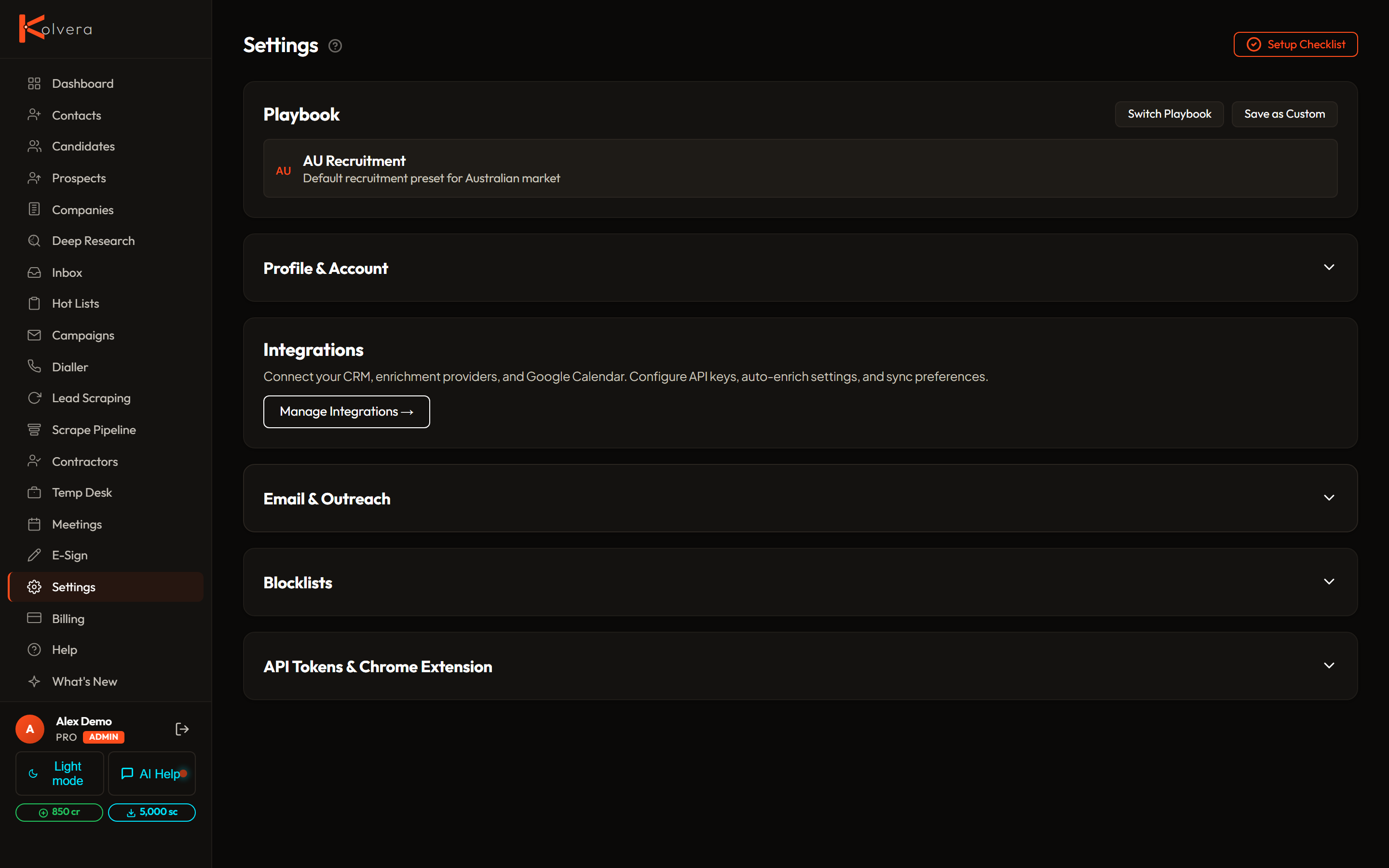
Module Toggles
Each major feature area can be toggled on or off per workspace. Disabling a module hides its sidebar entry and navigation links. Underlying data is preserved and the module can be re-enabled at any time.
Setup Checklist
New workspaces see a setup checklist on the dashboard. Each item represents a key configuration step: connecting an inbox, adding business context, creating an ICP, building a scrape config, and enrolling the first campaign. Items are checked off automatically as you complete them.
The checklist can be dismissed once all items are complete or manually hidden from the dashboard settings.
Plan Availability
Module toggles are available on all plans. E-sign and Intelligence Reports are available on Pro and Agency plans.