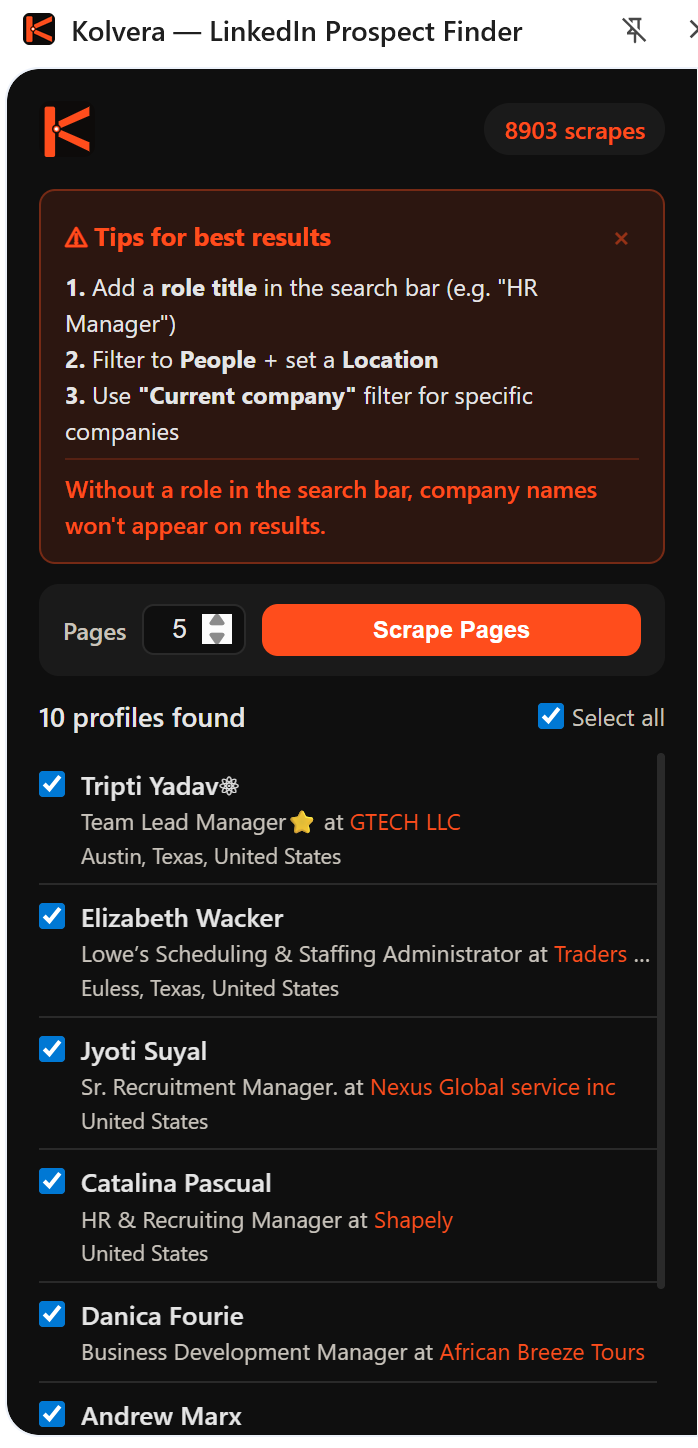
Multi-page scrape on LinkedIn search
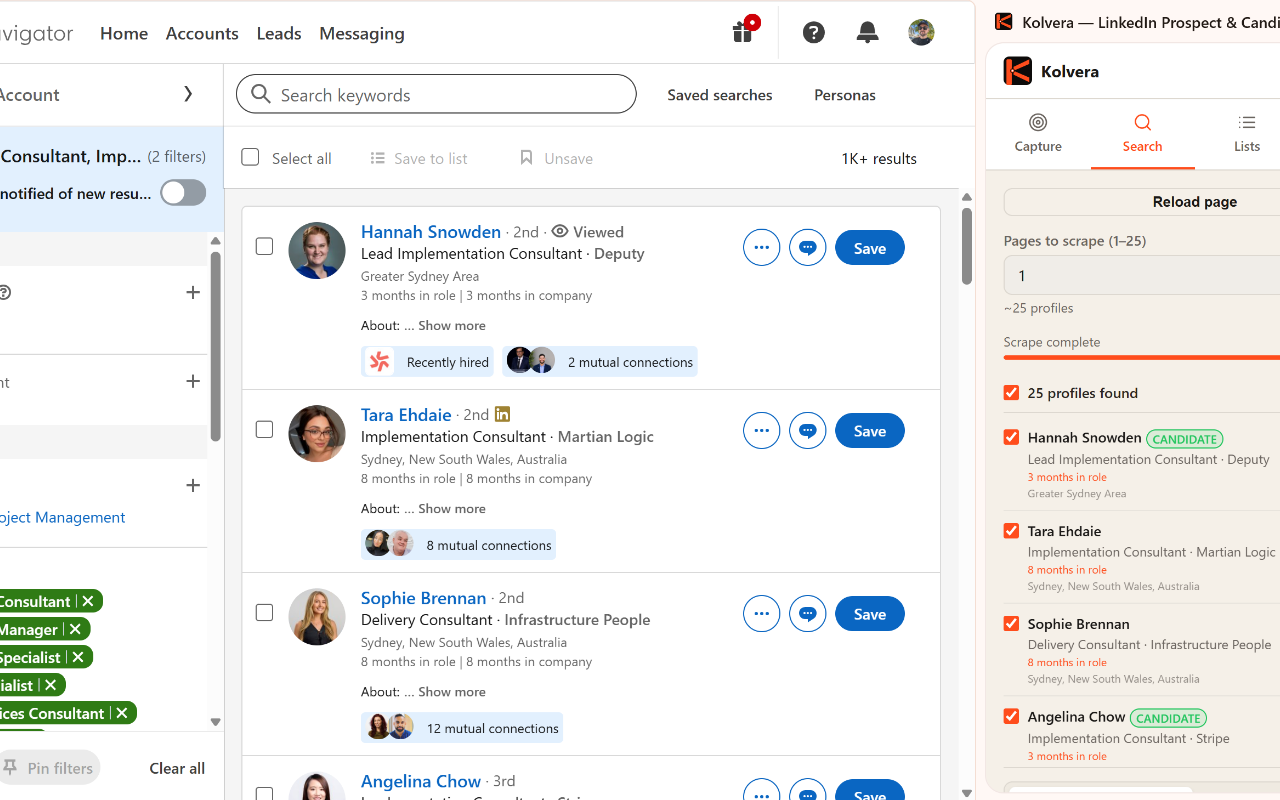
Scrape Sales Navigator results
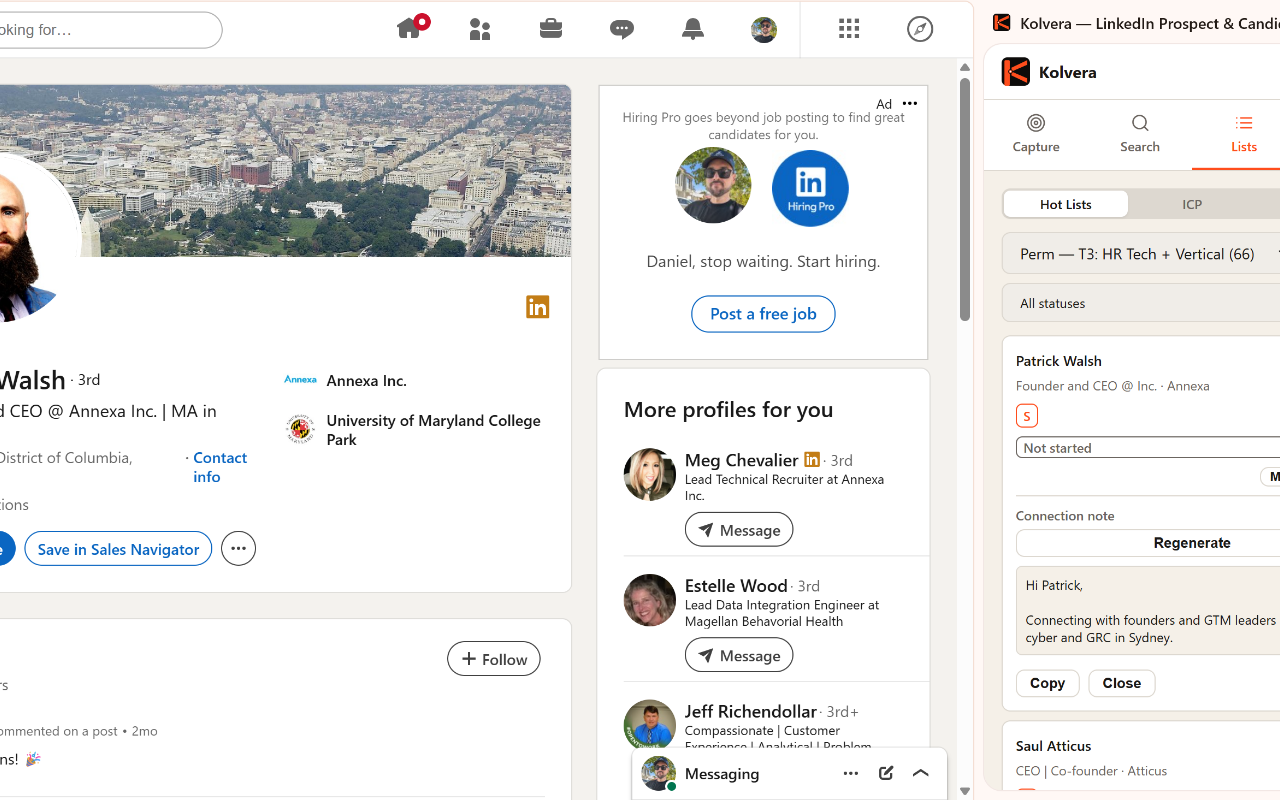
Save a profile + generate AI outreach
Multi-page scrape up to 25 pages of LinkedIn search results. Save profiles as contacts, prospects, or candidates with AI outreach messages grounded in 8 data sources — all from one sidebar.
From LinkedIn profile to saved contact with AI-drafted outreach in seconds.
One-click install from the Chrome Web Store. Generate an API token from your Kolvera Settings page and paste it into the extension — you're ready to go.
Click the Kolvera icon on any LinkedIn profile or search results page. The sidebar opens with 3 tabs: Contact (enrich), Prospect (Desk + sales message), and Candidate (Reverse Market + outreach).
Save a single profile or run a multi-page scrape across up to 25 search result pages in one action — 10 profiles per page. Auto-dedup flags contacts already in Kolvera so you never create duplicates.
Signal-rich messages pull from 8 data sources: pipeline jobs, company intel, Desk mapping, email engagement, meeting notes, hot lists, buying triggers, and state match. Tell the AI what to change and it rewrites instantly.
Everything you need to work LinkedIn without leaving a tab.
Contact saves the profile and finds an email (2cr). Prospect links to a Desk and generates AI sales messages. Candidate links to a Reverse Market Profile and generates AI outreach — all from the same sidebar.
Auto-collect across up to 25 search result pages in one action. 10 profiles per page, 250 contacts maximum per scrape run. Uses your scrape allowance, not credits.
6 message types: connection request, post-accept, follow-up, meeting ask, soft close, and nurture. Each message includes a quality score (0–7) with signal pills showing which data sources contributed.
Tell it what to change — shorter, more casual, push on a specific angle — and it rewrites immediately. Copy and regenerate buttons available at all times. No extra credits consumed.
The AI detects the right message type from your conversation state automatically. No need to select a template manually — it reads the context and picks the most appropriate stage.
Contacts already in Kolvera are flagged with a badge and linked to their existing record during both single-profile save and bulk scrape. No duplicate data enters your pipeline.
Messages you send and receive sync from the sidebar to Kolvera and surface on each contact's timeline, so every LinkedIn conversation sits alongside their emails and calls.
Scraping uses your allowance. AI messaging is free.
Uses your scrape allowance, not credits. AI message generation is free on all plans.
Finding an email for a saved contact costs 2 credits and is only charged when a verified email is found. Scrape allowances reset monthly — Pro includes 6,000 scrapes per month.
Install from the Chrome Web Store. 50 credits included on every trial account — no credit card required.
Start Free Trial