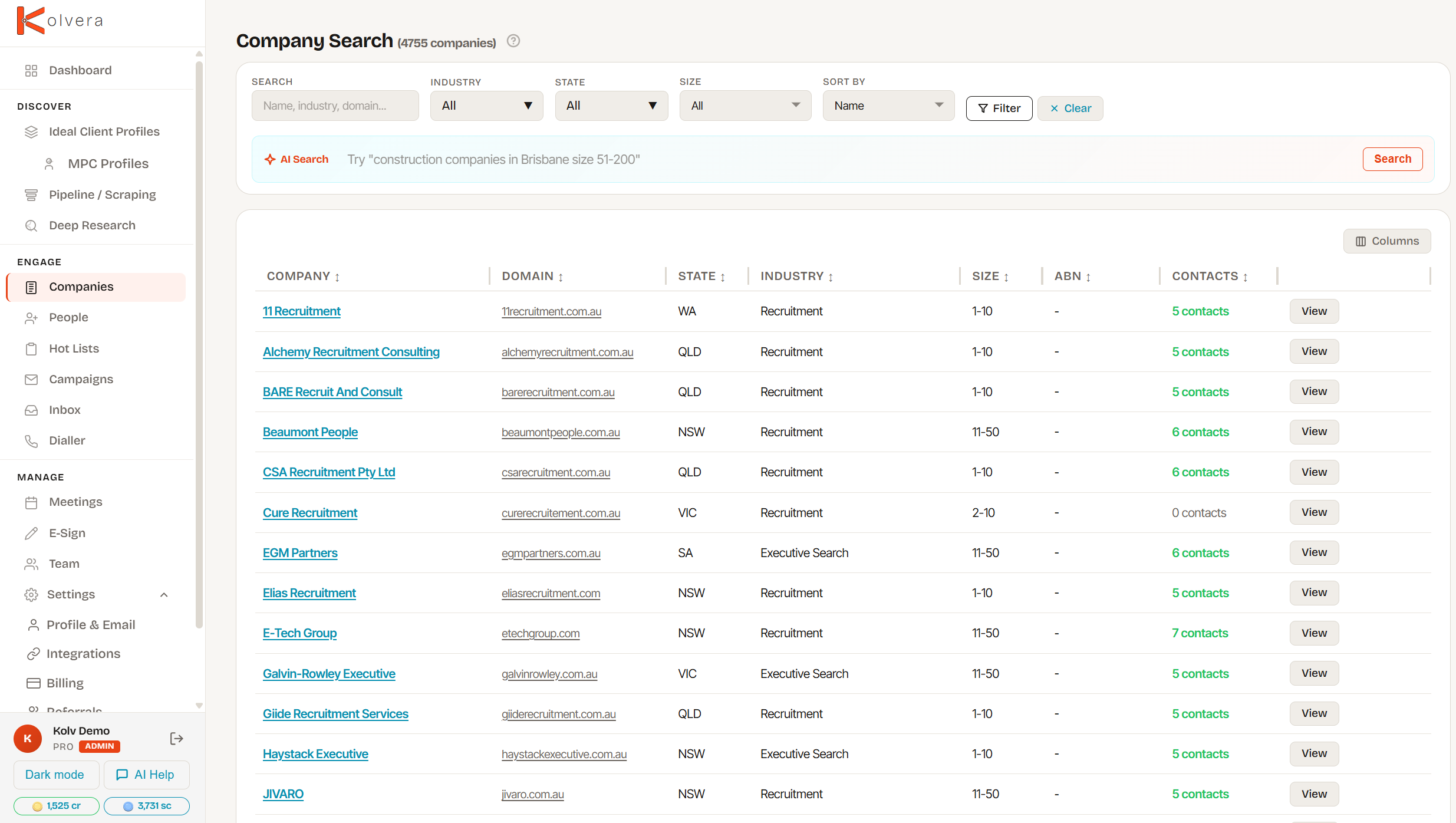
Search company names with shared autocomplete. Import a company record for free, then find new contacts with a valid email at 2 credits each.
From a company name to a record your team can work with.
Type at least two characters in a company-name field. Suggestions search company names and show available domain, industry and location details.
Companies in your workspace appear first, labelled In your workspace. Available shared records are labelled From Kolvera network. Check the company details before selecting a match.
Selecting a shared company imports its public company record for free. It does not copy another workspace's private notes, contacts or activity.
Open the company and use Find Contacts when you need people to reach. Each new contact found with a valid email costs 2 credits; importing the company itself is free.
Every tool you need to move from search to conversation.
Company-name autocomplete helps you reuse an existing record before creating a new one. Your workspace's matches rank ahead of the wider network.
Search and filter companies already in your workspace to organise the accounts you work. Shared name lookup is available when adding or linking a company.
Full company overview including domain, industry, size, location, ABN, and LinkedIn. BD activity tracking, AI research intel, growth signals, contacts tab, job leads, and call and email history all in one place.
Track your sales progress through six stages: New, Contacted, Replied, Meeting Booked, Terms Signed, and Placed. Status is visible across your whole pipeline.
Monitor companies of interest with the orange eye icon. Toggle from the detail page and filter your watchlist on the Pipeline and Companies pages.
Import companies from a CSV file with auto-detect column mapping. Export filtered or selected companies to share with your team or load into other tools.
Company record import is free. Contact enrichment uses credits.
Company import is free. Find Contacts charges 2 credits per new contact with a valid email. A name-only result does not include a verified email.
Every trial account starts with 50 credits — enough to find contacts at several companies, enrich them, and run research before you need to commit to a plan.
Everything Company Search connects to.
50 credits on every trial account. No credit card required.