Calendar & Meeting Prep
Connect Google Calendar for two-way sync — meetings booked via Kolvera scheduling links appear instantly, and manually marked meetings are tracked in your pipeline.
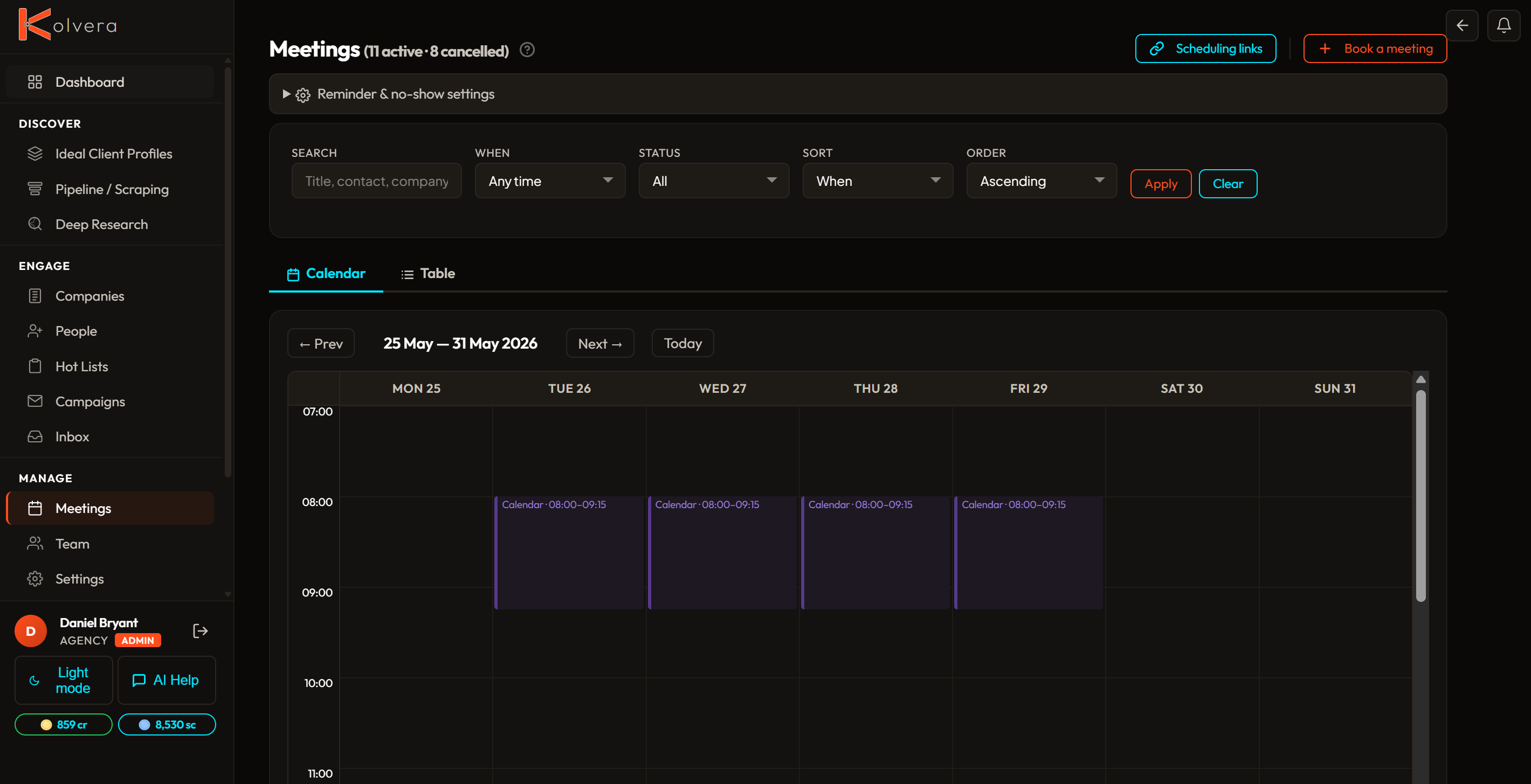
Connect Google Calendar
- Go to Settings and open the Calendar section.
- Click Connect Google Calendar and complete the OAuth flow.
- Select which calendar Kolvera should read and write to (default: primary).
- Kolvera will begin syncing events immediately. New meetings appear in the Meetings tab.
Multi-Calendar Support
Connect multiple Google calendars to a single Kolvera workspace. Each calendar gets its own label and colour on the meetings grid. Set a default calendar for new meetings and assign specific calendars to individual scheduling links.
Calendar Views
Switch between day, work week, week, and month views on the meetings grid. Toggle between business hours and 24-hour display.
Meeting Prep Engine
Before every meeting, Kolvera automatically generates an AI-powered prep brief tailored to the meeting type. The engine detects whether it’s a candidate catch-up, BD introduction, client review, or networking call, and builds the brief accordingly.
Mark as Booked
On any contact or prospect detail page, click Mark as Booked to log a meeting against that contact. Kolvera creates the calendar event and links it to the contact, advancing the pipeline stage if configured.
Attendee Auto-Add
When a meeting is created from a contact's record, Kolvera automatically adds the contact as a Google Calendar attendee. They receive a standard Google Calendar invite. No additional action required.
Context Preserved
Every meeting created via Kolvera includes a description with the contact's name, company, Desk, and the campaign step that generated the booking. This context is visible in Google Calendar and in the meeting detail panel inside Kolvera.
Funnel Tracking
Meetings are a named pipeline stage. The Meetings tab shows all upcoming and past meetings grouped by contact, with outcome fields (took place, no-show, rescheduled) that update the pipeline record and trigger follow-up tasks automatically.