Registration Forms
Build branded candidate registration forms with a visual builder. Share via link, QR code, or iframe embed — submissions land in a dedicated inbox ready for one-click conversion.
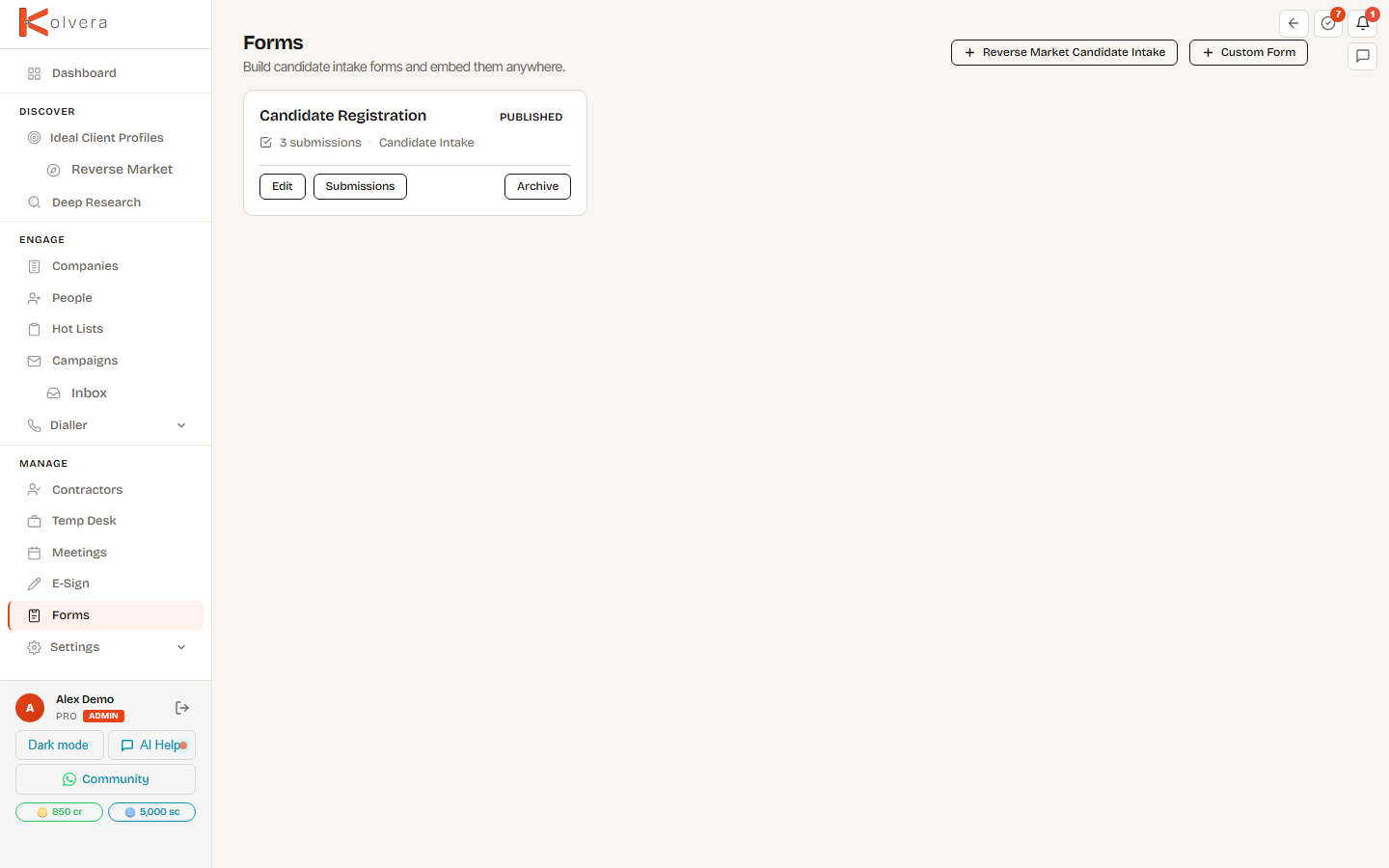
Building a Form
Forms is not a sidebar item. Your existing forms are listed in Library — filter to Form, open one to see its submissions, and use Edit to open it in the builder. To build your first one, or add another, open Library and click New Form. Choose the Candidate intake template or start from scratch. Add fields using the visual builder — text, email, phone, file upload, dropdowns, and more. Configure settings like confirmation message and notification preferences. A live preview updates as you build.
Sharing
Submissions
Each submission appears in the form's submission inbox. View details, download attached files, and convert a submission into a full candidate record with one click. Reverse Market forms auto-link new candidates to the relevant Reverse Market Profile.
Reference forms
Forms also power reference checks. A reference-check request form is sent to a candidate’s nominated referees — they complete it from a public link, and responses are compiled back against the candidate ready for a reference report. See References & ToB for the full workflow.
Plan Availability
Forms are available on Pro and Scale plans.