CRM Integrations
Push contacts, companies, and pipeline data to your CRM automatically — or connect calendars, meeting recorders, AI assistants, and enrichment providers.
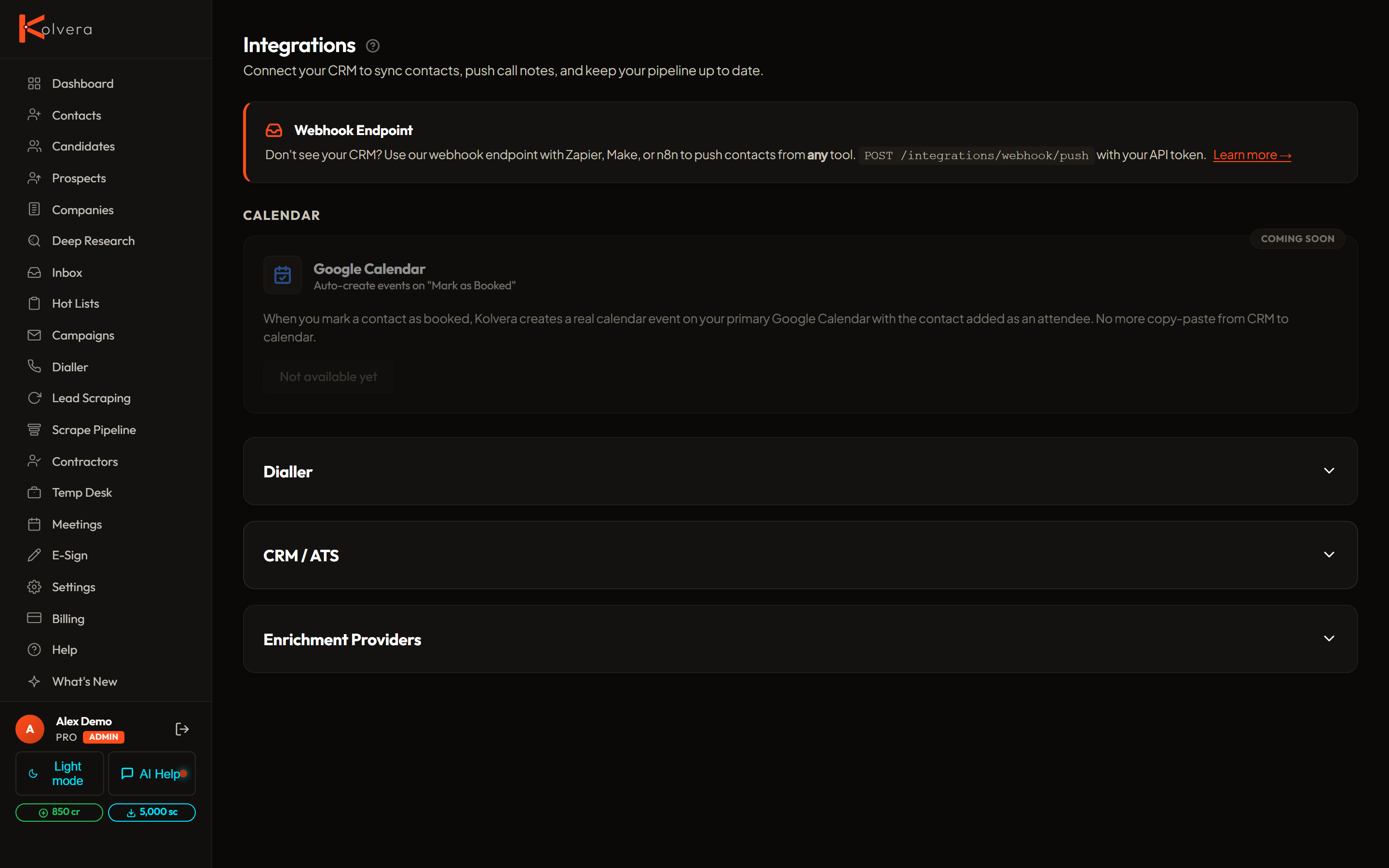
CRM Integrations
Four CRMs connect yourself from the Integrations page — they get a full connect card and you can be syncing in a couple of minutes.
Available on request
These integrations are built and working, but aren't self-serve yet — there's no connect form on the Integrations page. Use the Request an integration link there and we'll switch yours on.
Coming soon
Built and waiting on developer access from the vendor. We'll announce these when they're ready to connect — no need to request one yet.
Calendar
Two-way Google Calendar and Microsoft (Outlook/Microsoft 365) sync — meetings booked in Kolvera create calendar events with video links, and busy blocks feed your scheduling links. See the Calendar guide.
Meeting Intelligence
Native Meeting Notes & Notetaker is a separate internal capture pilot with consent and usage limits. Connecting a recorder does not enable native capture or later meeting-derived workflows.
AI Assistants
mcp.kolvera.io.Chrome Extension
Save prospects and candidates from LinkedIn directly into Kolvera, with multi-page scrape, auto-dedup, and AI messaging built in. See the Chrome Extension guide.
What CRM Data Syncs
Webhooks
If your CRM is not in the list above, use the webhook integration. Kolvera fires a JSON payload to your endpoint on key events: contact enriched, stage advanced, reply received, campaign completed. Configure the webhook URL and secret on the Integrations page.
CRM Quick Reference
| CRM | Status | Contacts | Companies | Candidates | Notes |
|---|---|---|---|---|---|
| Atlas | Connect yourself | Yes | Import only | Import only | Yes |
| HubSpot | Connect yourself | Yes | No | No | Yes |
| Spott | Connect yourself | Yes | Yes | Yes | Yes |
| Manatal | Connect yourself | Yes | Yes | Yes | Yes |
| Pipedrive | On request | Yes | No | No | Yes |
| Close | On request | Yes | No | No | Yes |
| Capsule CRM | On request | Yes | No | No | Yes |
| Zoho CRM | On request | Yes | No | No | Yes |
| Bullhorn | Coming soon | Yes | Yes | Yes | Yes |
| JobAdder | Coming soon | Yes | Yes | Yes | Yes |