Inbox
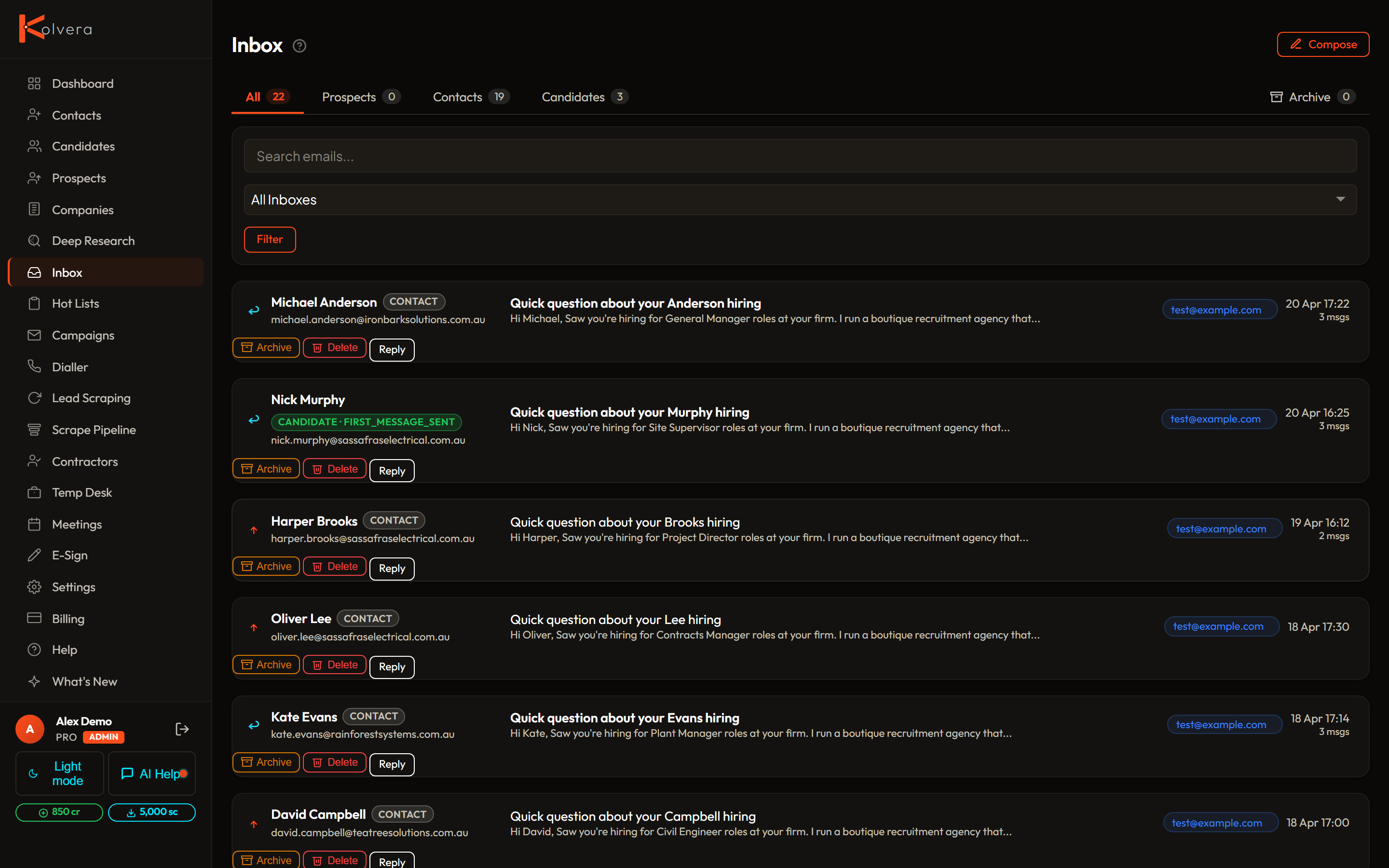
The Inbox groups outreach conversations by person across connected inboxes. Inbox intake adds an owner-controlled view of incoming mail, including senders who are not yet in People.
Conversations and approvals
The shared navigation separates Messages (conversations), Inbox intake (classifying incoming mail) and Approvals (prepared decisions under Tasks). Classifying intake does not approve an action or send a reply.
Use the Inbox to read, reply, and compose. Tasks → Approvals holds prepared actions and decisions. A reply does not automatically become an approval, and reading intake does not send a message.
Email threads group by person across inboxes and campaigns. Where your account has separate native SMS access, two-way SMS conversations appear with the same contact. Calling access alone does not enable texting. Role tabs separate Prospects, Candidates, and All. Connected inbox colours identify the latest sender context; you can choose a connected inbox when replying.
Inbox intake
At Inbox intake, each mailbox owner explicitly enables triage for that Gmail or Microsoft connection. Classification uses rules; AI classification is unavailable. Categories include Action needed, Candidate intake, Reply needed, Unclassified, Calendar, Newsletters, Receipts, and Automated. You can correct a category or mark an item done.
Start with Needs attention: action requests appear first, followed by replies and candidate material, then unclassified mail. Use Action needed or Review to focus that queue. Updates groups calendar, newsletter, receipt and automated mail; Done holds completed items; All open brings the open groups together. Read each item's reason before acting. These statuses apply to Kolvera intake; they do not synchronise Inbox Agent or Gmail labels.
Check Mailbox coverage before treating an empty intake as a clear inbox. A source may be unknown, partial, failed, or unsupported; coverage can also be limited by missing messages or attachment metadata. Sender messages without a People match stay visible. Choose an existing person to link, or explicitly create one after reviewing their name and role. Intake does not create People records automatically, send messages, or file mail at your provider.