E-Sign
Send contracts for electronic signature directly from Kolvera. Upload a PDF, place signature and date fields, and track signing status without leaving the platform.
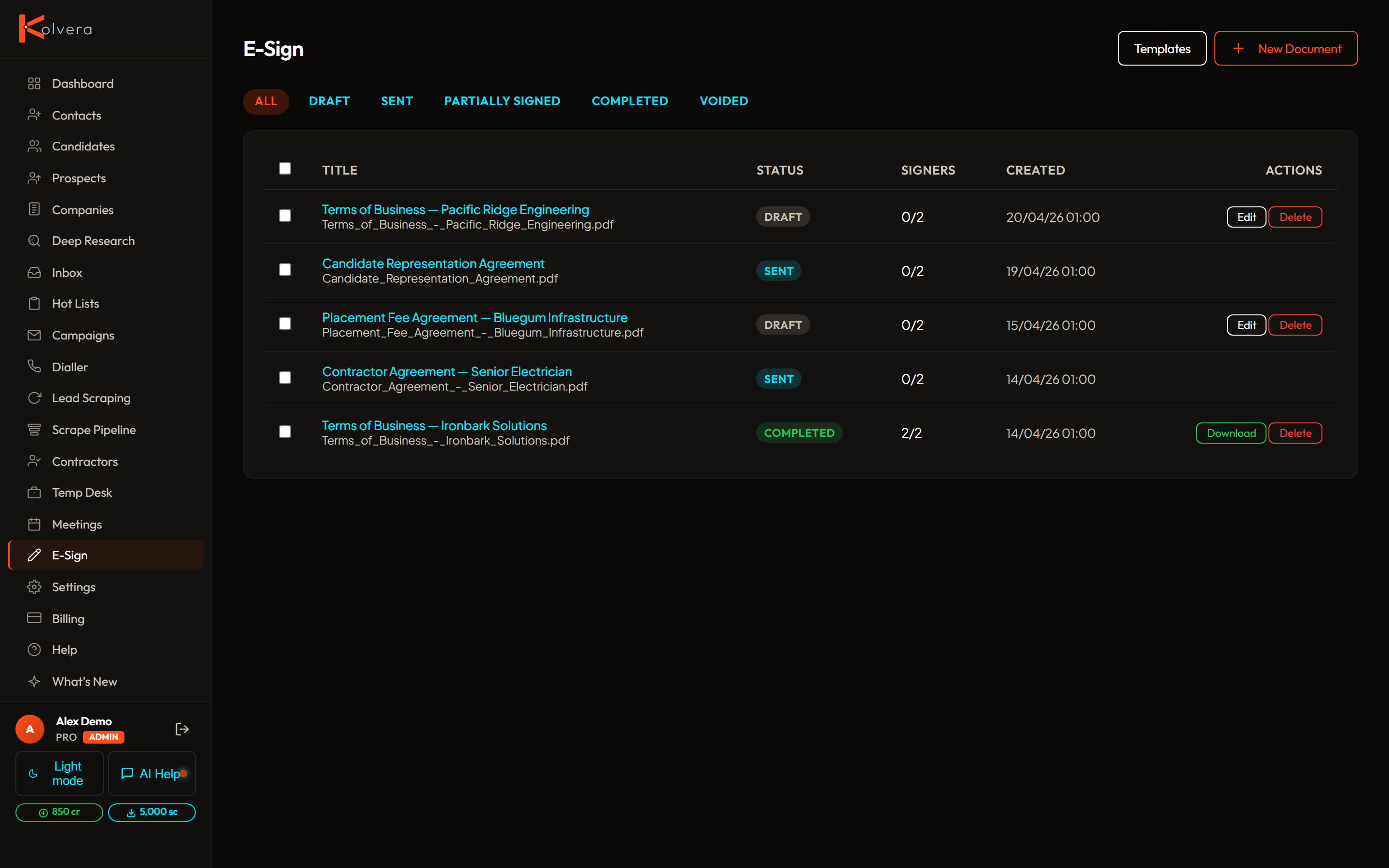
Upload a PDF
Any PDF can be used as a signing document. Upload from the E-sign tab on a contact's detail page or from the Documents section. Maximum file size is 20 MB.
Place Fields
After uploading, drag and drop signature fields, initials fields, and date fields onto the document pages. Fields can be resized and repositioned. Assign each field to a specific signer if the document requires multiple parties.
Sequential Signing
For multi-party documents, set a signing order. Signer 2 only receives the document after Signer 1 has completed their fields. The order is configurable per document and can include yourself as one of the signers.
Self-Sign
Add yourself as a signer on any document. A self-sign step can be first (sign before sending) or last (countersign after the recipient). Your saved signature is applied automatically if one is stored.
Saved Signatures
Draw, type, or upload your signature once and save it to your profile. Saved signatures are applied to all future self-sign steps without prompting. You can update or clear your signature at any time in Settings.
Reusable Templates
Save any configured document (with field placements) as a template. Templates appear in a dropdown when creating new signing requests, so you can send the same agreement to multiple contacts without re-placing fields each time.
Audit Certificate
Once all parties have signed, Kolvera generates a tamper-evident audit certificate recording the signer name, email, IP address, timestamp, and document hash for each signature event. The certificate is attached to the final signed PDF.
Resend and Track
E-sign is available on Pro and Scale plans only.