Tasks
A structured follow-up task system linked to contacts and companies — so nothing slips through the cracks after a call, meeting, or no-show.
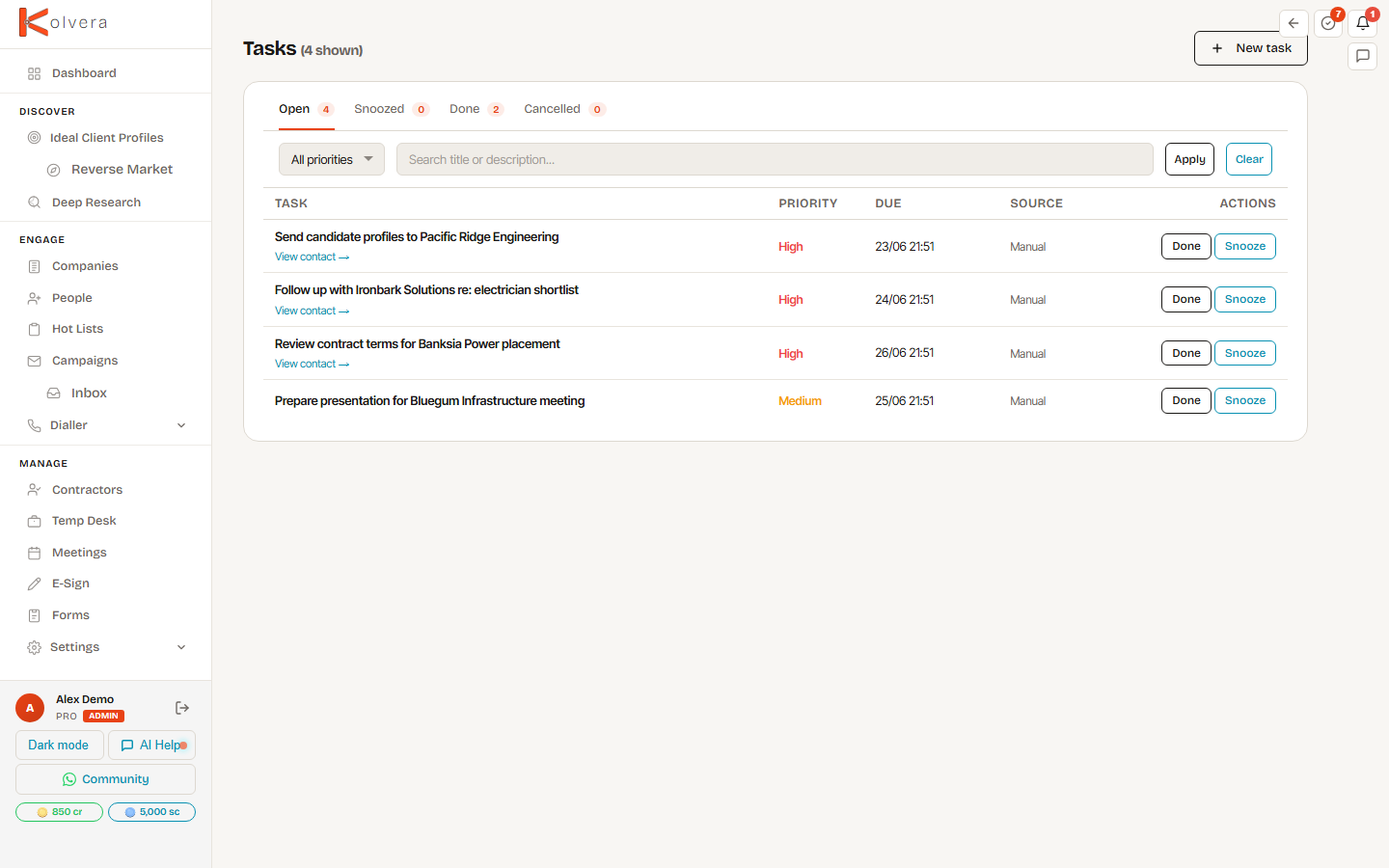
Status Tabs
Priority
Each task has a priority level: High, Medium, or Low. High-priority tasks appear at the top of their status tab and are highlighted in the task list. Priority can be set on creation or updated at any time.
Due Dates
Every task requires a due date. Overdue tasks are flagged in red in the task list and counted in the Overdue tab badge. The daily digest email (if enabled) includes all tasks due that day.
Snooze
Snooze a task to push it forward without marking it complete. Choose a snooze duration (tomorrow, in 3 days, next week, or a custom date). Snoozed tasks reappear in the Today or Upcoming tab at the new due date.
Linked to Contacts and Companies
Every task is linked to either a contact or a company (or both). The linked record appears in the task detail and the task appears in the contact's or company's activity feed. Clicking the link opens the record directly.